Showing posts with label printer. Show all posts

Thursday, July 30, 2015

3D CAD and 3D Printing with Chromebooks


Everyone who reads this blog knows I'm a huge fan of Chromebooks, especially for education. One area that I get asked about often is 3D CAD and 3D Printing. So here is some info. I am by no means an expert on 3D printing though.


Tinkercad is a completely web-based, 3D CAD system that works on Chromebooks. I've used it and found it easy to use and pretty powerful (and I've used systems like CATIA, Pro-Engineer and SolidWorks). You can easily download the STL file to use with the 3D printer. Tinkercad also has some great resources to help you learn how to use it.
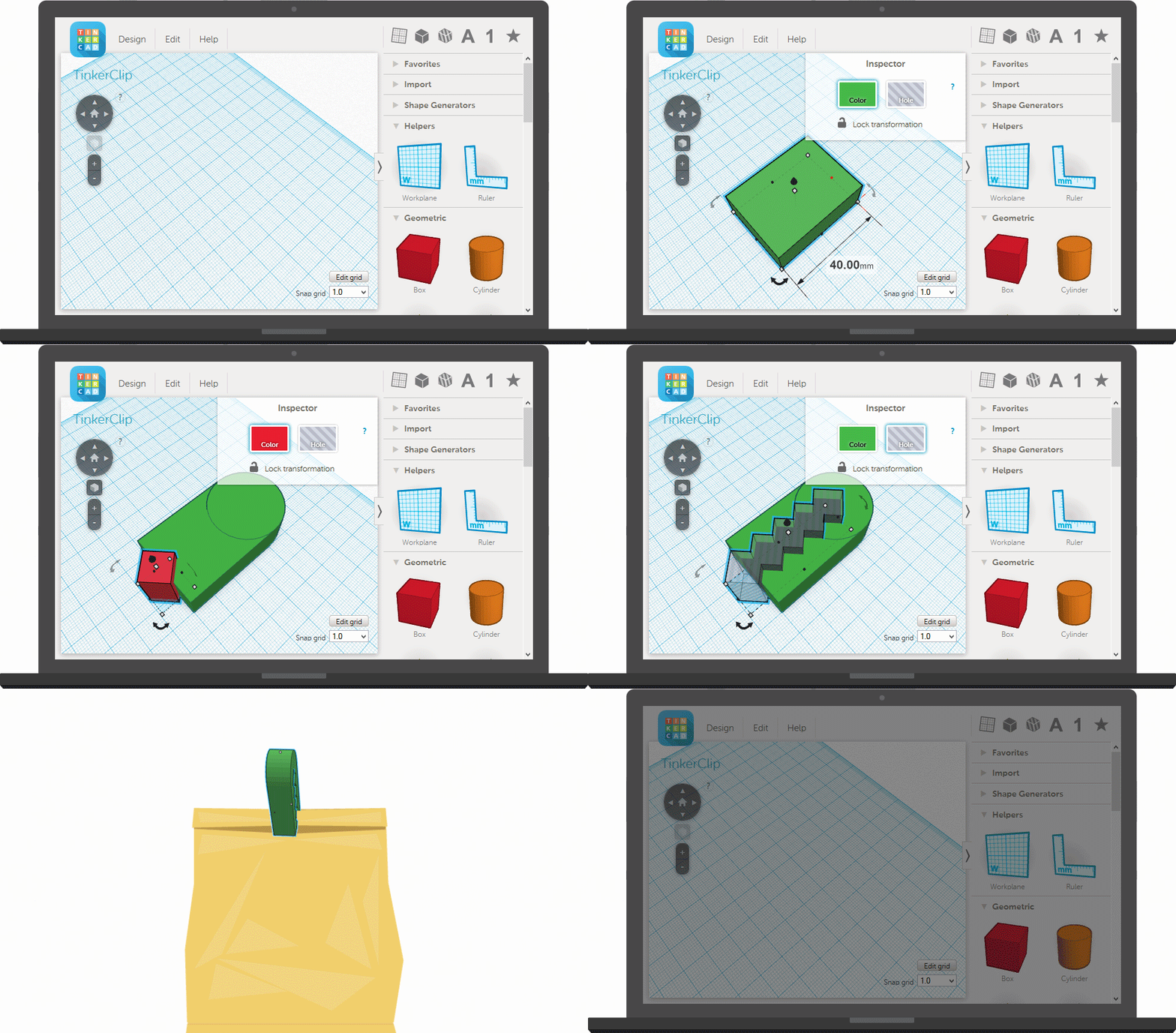


I haven't found a 3D printer that would work directly from a Chromebook, but even Windows laptop schools connect a powerful desktop to their 3D printer to do the rendering and printing and allow the student to use their device for other things while the job runs. Some printers even have built in support for accessing files from media devices like flash drives so you can print direct.


So, students can do their designs on the Chromebooks, and then the files can be accessed on the desktop PC and printed on the 3D printer.

Two more things Chromebooks can do!


Related:

What can you do on a Chromebook? Pretty much everything.

Thursday, August 16, 2012

Google Cloud Print - great tool with great features


Google Cloud Print

Google Cloud Print is a very cool, useful service Google has. Google Cloud Print connects your printers to the web, allowing you to print from any device (smartphone, tablet, Chrome device, PC, or other web-connected devices) without any cables. Heck, you don't even have to be in the same building, or state, for that matter.

It is easy to use and has some great features. You can print to cloud-ready printers that don't require a PC or to a printer that is connected to a Windows, Mac, or Linux computer with internet access using the Google Cloud Print connector in Google Chrome. You can even share your printers with other people. And, you can now print out your documents at FedEx offices.


I've been using it for a while now, but forgot about this great feature. You can save a copy of documents and web pages as PDF files in Google Docs/Drive. You just select "Save to Google Docs/Drive" as your printer and it will convert the file to a PDF document and save it in your Google Drive. This is a great way to save documents for later printing or just to save electronic versions of them.


It's a great resource for anyone, and schools. You can have shared printers without all the fuss of networking them. Just share them to the staff and have them use Google Cloud Print. Teachers could also use it for printers in their classrooms, to print to your school computer from home or vice versa, and to save documents and websites instead of printing them.


Related:

Google Cloud Print Help and Support

Google Chromebooks and Chrome OS revisited - great for education
Google for Education Resources 


Monday, November 28, 2011

Print Friendly - if you must print it, use this.

PrintFriendly

I just learned about Print Friendly from Free Technology For Teachers. It is an add-on that allows you to print any web page or article using less paper. It's very easy to use and install on a website or blog. Just follow the simple instructions.

I've installed it on each article so that if you want to print an article, click on the Print Friendly gadget.

Select This Button Style


LinkWithin

Related Posts Plugin for WordPress, Blogger...