Showing posts with label Android. Show all posts

Tuesday, November 12, 2019

Squid Notes - Take digital handwritten notes for class, work, or fun! Markup PDFs, sign documents, & more


Squid is an inking app that works on Android (and Chromebooks as an Android app) and allows you to take handwritten notes, create drawings, markup PDF files and more. 

You can create beautiful notes at any zoom level and on any compatible device, erase entire letters and words quickly with the stroke eraser, move, resize, copy/paste and change color and thickness of strokes at any time.


There are a variety of "paper" styles as well, including lined, Cornell Notes and Graph Paper.

New note | Various paper backgrounds

Great for math and science classes.

Math Study Notes

You can also mark up PDF documents, add notes, grade student work, combine PDF pages, import, crop and resize images, and more. 

Copy, paste, resize, and markup images

In addition, you can easily share and present your notes. Export notes to PDF, PNG or JPEG, create a virtual whiteboard and present and write directly on your slides. 

Present notes via Google Cast (Chromecast), Miracast, or HDMIPresent notes on the big screen

They have a site dedicated to using Squid in the Classroom with tips, resources and use cases. https://www.squidnotes.com/edu


Squid recently published a series of how-to videos about Squid and have a product overview video and a case study with a 6th-grade math teacher.

They do not currently have a way to backup notes automatically to Google Drive (but are working on it), however, you can create manual backups to Drive: http://feedback.squidnotes.com/knowledgebase/articles/1185616.

G Suite for Education does not currently support payments for Android apps, so they have released the Squid EDU Bulk License for the Academic Year. When this license app is installed alongside Squid, the premium features will be unlocked for the academic year. For more details, please see this FAQ article.

The cost of the EDU license fro 2019-2020 is $4/user with a minimum purchase of $100 for the academic year.


Check it out: http://squidnotes.com and https://www.squidnotes.com/edu 


Related Articles:


.

Tuesday, March 27, 2018

Android Apps for Education - work on Chromebooks and Chrome OS Tablets too!


Android Apps for Education 


Android is the most popular mobile operating system in the world, running on smartphones and tablets. But, you can also use Android Apps on Chromebooks, including the new Chromebook Tab 10 Chrome OS tablet. Chrome and Android all in one! And don't forget about all of the Chrome Apps, Extensions and full websites Chromebooks and the Chromebook Tab can access.


Finding good apps can be hard, so here is a list of Android apps for Education to use on Chromebooks, Chromebook Tab and other Android devices.


Explore these apps and try them out in your schools. 


.

Wednesday, February 8, 2017

Android on Chromebooks! Here are some resources and apps to check out


Android has come to Chromebooks and is available on EDU Domains!


This opens up a whole new world of possibilities with Chromebooks, adding thousands of great apps, features and capabilities.


Here are the resources for Admins to get Android apps enabled for their domain:


Here are some great suggestions for Android apps (and some web apps):

F101_Pixel2_Silver_PlayStore.width-800.png

Android App Suggestions for Chromebooks (all are free)


I've been using Android apps on my Acer C738T with my personal account for quite a while now and they work great. Handwriting input, offline sync and much more. 


A new generation of Chromebooks, designed for millions of students and educators https://blog.google/topics/education/new-generation-chromebooks-designed-millions-students-and-educators/ (Acer and Asus convertible’s with stylus)

A new generation of Chromebooks, designed to work with millions of apps https://blog.google/products/chromebooks/new-generation-chromebooks-designed-work-millions-apps/ (Samsung Plus and Pro)


--

Monday, May 23, 2016

Lots of great new things coming to Google Apps and Chromebooks!!!


Google Apps for Education New logo.pngchromebooks-apps-flyout-in.jpg


Google Apps for Education and Chromebooks have become truly awesome resources for schools and Google just keeps improving them.

Here are some of the recent announcements:


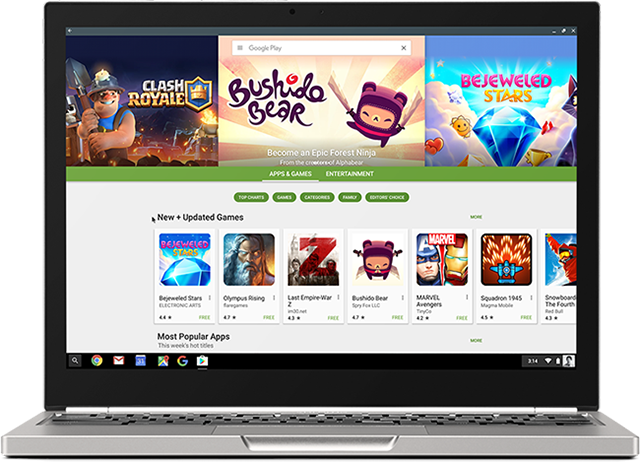
Android apps are coming to Chromebooks! - some Android apps have already been available for use on a Chromebook. I've been using the Evernote app for a while and love it. But in order to get them to work, developers had to do some work themselves. With this new announcement, the Google Play Store and most of it's app will work with Chromebooks. Three models are getting access in June with more getting access later. See this link for full details on which Chromebooks will get this and when. This is huge for schools as they will be able to benefit from the low cost and ease of use and management of Chromebooks, and use all of the great Android apps that are out there.

With this announcement, touchscreen Chromebooks are even more functional for schools. For specs, 4GB RAM is always my suggestion and 16GB drives should be fine unless you are installing a ton of apps and syncing lots of data. I have over 100 apps on my smartphone, sync Evernote offline (9,000 notes) and sync Google drive offline and I am only using 9GB (18GB if you count the hundreds of photos and videos of my daughter).

I also think that this would be a good time for Google and OEMs to work on a 7" Chrome OS tablet! Think about it - all the Android apps in a small form factor for younger students or mobility, with the management features and ease of use of a Chromebook!


Google Classroom updates:
  1. Interact with other apps and systems - more software and systems will be able to interact with more data in Classroom. One example that teachers will love is the ability for Gradebooks and reporting systems to sync grades with Classroom, eliminating the need for teachers to manually transfer grades.
  2. Teachers can schedule assignments, questions, or announcements to post at a later date. The post is then automatically published to the class stream at the scheduled date and time.
  3. Teachers can poll their students using multiple-choice questions and allow students to see a summary of their classmates answers.


Cover art
Science Journal - a new app that is a digital science notebook that allows students to record data from sensors on an Android phone or connected device, take notes, observer, interpret, predict, create graphs and much more.


Google also announced that they are making their own 3D/Virtual reality hardware that will be prefect for schools - this will fit well with Expeditions and allow students to explore the world, and beyond, right from their classroom.


Some exciting news for schools!!


More Resources:

Benefits of Google Apps and Chromebooks for Schools

Tuesday, May 10, 2016

Technology I use on a Daily Basis - 2016 Version


In the past, I've written about the technology I use on a daily basis (see bottom of page for links).

Here's my updated version for Spring, 2016.

I am a K-12 Education Strategist for CDW-G. In this role, I work with schools on selecting and implementing technology solutions to improve teaching and learning. I do a lot of research on best practices in education and technology and do a decent amount of traveling.

I'm a huge user of Google Apps and Evernote. They are my main work, and personal tools, and all of my devices work with them. Without these, I'm stuck. I also back them both up.

My day typically consists of email conversations and support with our account managers and customers, Google Hangouts with customers providing support, advice, strategy planning, training and professional development, and doing online research, as well as creating tools and resources, like presentations and reference materials. If I am traveling, I only bring my smartphone and my Acer Flip Chromebook and am able to do everything I need to with them. I have Citrix for my Chromebook so I can remote in to our system and access everything I need, including a Windows desktop.


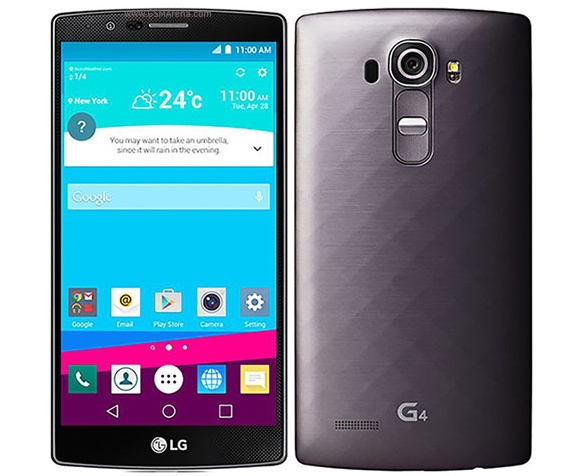
My personal smartphone is an LG G4 running Android. I love it. I can do anything on it - email, web browsing, Google Apps, Evernote, messaging, photos, musics, etc. I is my go-to device. I have an spare battery and external battery for traveling, but the battery life is pretty good. It's also durable, as I've dropped it a few times and it's still here. My work smartphone is a Samsung Galaxy 7 which I use when traveling. I like it, but I like LG's software and screen size better. I use it as a mobile hotspot for my Chromebook while traveling too.


I have the same work and personal laptop - an HP Elitebook Folio 9470m with Core i5 processors and SSD drives. It's lightweight, powerful and works great. I use it at work with a docking station and two monitors. At home, I use my personal one for remoting into work via Citrix, and some other tasks, but mainly just for work tasks when working from home.


My travel device, home use and work use, is my Acer C738T Touch/Flip Chromebook. I have the 4GB Ram version. It's light, has a great battery life, and does everything I need it to do, including work offline. I use it for travel, conferences and off-site meetings. I use it at home sometimes when I need to type. I have both my personal and work profiles on here, with offline Drive access for both setup. I also have the Evernote Android app for Chromebooks on it, with offline sync enabled. I have also added the Google Play Movie/TV app so that I can download movies for offline viewing while traveling. This thing is amazing and has been replacing my need for any other devices.

I also have an LG GPad 8.3" LTE tablet that I got for free when I got my LG G4 smartphone. I use this at home for media consumption - Facebook, Google+, Twitter, Movies, Music. Great device.


Google Apps - for both work and home. Email, Chrome, Calendar, Drive/Docs/Sheets/Slides, Keep, Blogger, Sites - these are my main tools for work and personal use. All of my files are in Drive, and backed up on my personal laptop. I also use a Google account at work with my files in Drive. I have two work accounts - one for work itself (K12 team uses it), and a GAFE account for working with customers. I use a Google Sheet as my project management tool, with hyper links to Docs and other files. Each project gets a separate row, with notes, contacts, follow up tasks and more.


Evernote - this is my other main tool - web clippings, receipts, manuals, project management, important info, contacts, reference material and more. I have the Evernote clipper installed on Chrome and in Outlook. I also have the Evernote Scanner which I use to digitize everything that is paper based. It automatically scans both sides, very quickly, and then sorts things into the proper notebooks in Evernote based on what they are (document, business card, receipt, photo, etc). Great tool for going paperless.

Outlook and Lync at work for email and instant messaging. I have my work email and Lync setup on my smartphones also.

Sites and services I use include Feedly feed reader, Pocket, LinkedIn, TweetDeck, Google+ and Facebook. I spend most of my time on Feedly and Google+, researching and connecting with others.

That's really it. I rarely use anything else and I have different tools for different things - work, home, travel, fun.

Take a look back at earlier versions of this post to see what has changed over the years based on my job and the tech available. I've definitely changed with the apps I use and have less hardware. In fact, my Acer C738T Chromebook is slowly becoming the only device I really need, besides a smartphone.


Related:

Technology I use on a Daily Basis - 2015 Version

Technology I'm using daily as a School District CIO (2012)

Technology I use on a Daily Basis - updated for this year (Oct 2011)

Thursday, March 17, 2016

Soundtrap - make music online from any device!


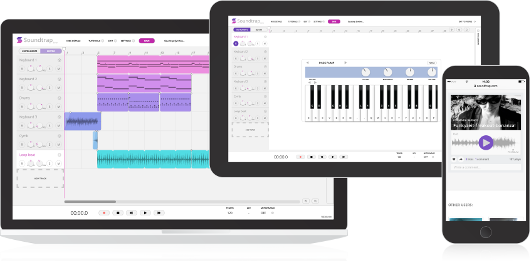
Soundtrap is a new site that lets you make music online, from any device, with your own instruments or the virtual ones on the site. The free version offers 5 projects, 750 loops, 151 instruments and sounds and lots of other features. There are premium levels with more features and less limits.


Soundtrap works on Mac, Windows, iPad, Android tablets and phones, Linux and Chromebooks. It allows you to start, edit and collaborate on your recordings wherever you are. 

You can collaborate with others and even share your music on Facebook, Twitter and SoundCloud, as well as iTunes.

You can sign in with Office 365, Google, Facebook or an email account. 


This is a great tool that schools can use to help students learn and explore music. 

The Education version is in a walled garden and COPPA compliant and has different pricing than the consumer version. With this version, students and teachers are in their own private area and can more easily collaborate. Pricing is based on number of users - Starter Pack is $249/year for up to 50 users. You can use the online calculator to find pricing for more users. 

A great resource for schools, especially with all of the cuts to music an arts. 


-

Tuesday, May 5, 2015

Info and Data on the Use of Tablets in the Classroom


There have been many debates on how technology influences education. Nowadays, teachers have a wide range of tools to use in class. But one of the most commonly utilized tools to make the learning process more efficient, are tablets. Today there are 8 million iPads being used in the K-12 classroom, as Apple’s share has been 94% of the tablet market. While this phenomenon demonstrates that teachers and administrators are forward-looking, it also has its downsides. In this respect, education resource website Early Childhood Education Degrees has developed this infographic showing how tablets are used today. Check it out!


Source: Early-Childhood-Education-Degrees.com/


I'm a huge proponent of Chromebooks because they can do what tablets can do, for the most part, along with being easier to deploy and manage. Google has also built in that ease with their Google Play for Education tablets. 


Related:


-

Tuesday, April 21, 2015

Reflector2 - Wireless mirroring and streaming for iOS, Android and Chromebooks


Reflector2 is a wireless streaming product that works with iOS, Android and even Chromebooks that allows teachers and students to share their iPads, Android tablets and Chromebooks to the big screen wirelessly, from anywhere in the room. Recording with voice-over lets teachers record their lessons for future use, while multiple security features keep the classroom safe. With even more innovative features, Reflector 2 is an extremely cost-effective alternative to an Apple TV, utilizing the devices already found in most classrooms. It also works with Mac and PC. You can share your mobile device screens to a computer connected to a projector for a powerful presentation tool.


It's a great tool for teachers to use in their classroom. It's not free, but the pricing is very competitive. 

Thursday, April 9, 2015

Classroom Organizer - free app to organize your classroom library and book room


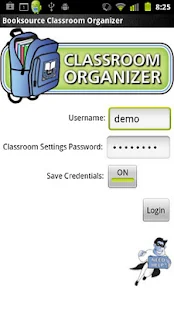
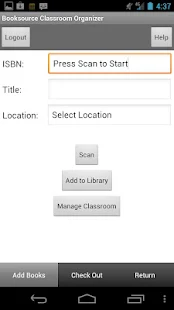
Classroom Organizer is a free web based and mobile app that allows you to organize and manage your classroom library and school book room.

The app allows you to Inventory print and eBooks, Import titles directly from your Booksource order, Add your existing books, Import your student roster, Enable students to check out and return books, Run assessment reports on student activity, Organize bookrooms and share eBooks with the Classroom Organizer School portal.

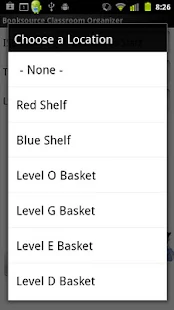
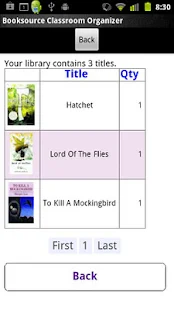
With the mobile app, available for Android and iOS, you can scan book title ISBNs into your library,  view your library, and manage your book locations.

Classroom Organizer - screenshot thumbnailClassroom Organizer - screenshot thumbnailClassroom Organizer - screenshot thumbnailClassroom Organizer - screenshot thumbnail

This is a great resource for classrooms and smaller schools to manage their book collections.


-

Field Trip - free mobile app to help discover your world


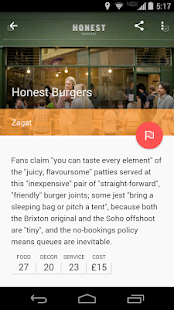
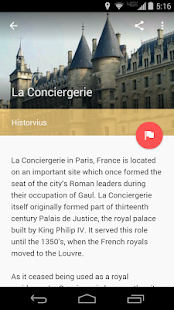
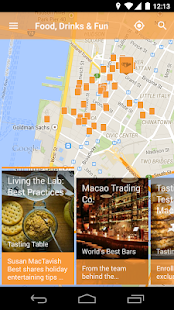
Field Trip is a free app for Android and iOS that runs in the background on your phone and will pop up a card with details about your location when you get close to something interesting.

It's a great way to learn something new about the area around you, from history to local eateries and more. It gets information from users and from multiple sources and databases and is a lot of fun.

It can be useful for students to learn something new about their home and neighborhood. Teachers can use it to find interesting things about an area before taking students there.

I had fun walking around my home town and using it on some trips to find some cool info.

 Field Trip - screenshot thumbnailField Trip - screenshot thumbnailField Trip - screenshot thumbnailField Trip - screenshot thumbnail


Related:

Some Excellent Virtual Field Trip Resources, including lots from Google Maps


-

Tuesday, March 31, 2015

CK-12 announces mobile apps with adaptive learning

Cover art
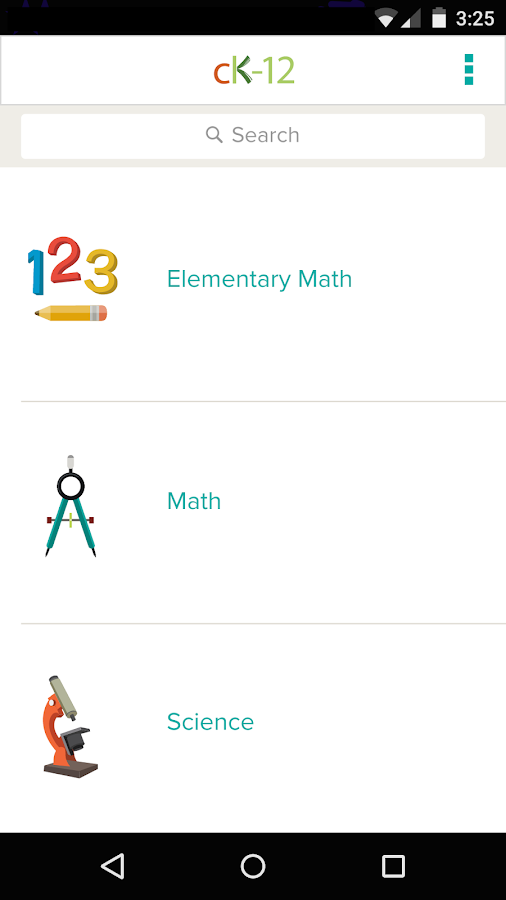
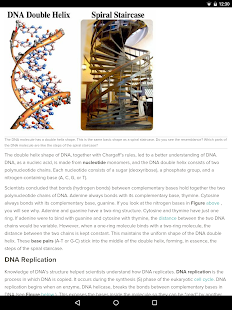
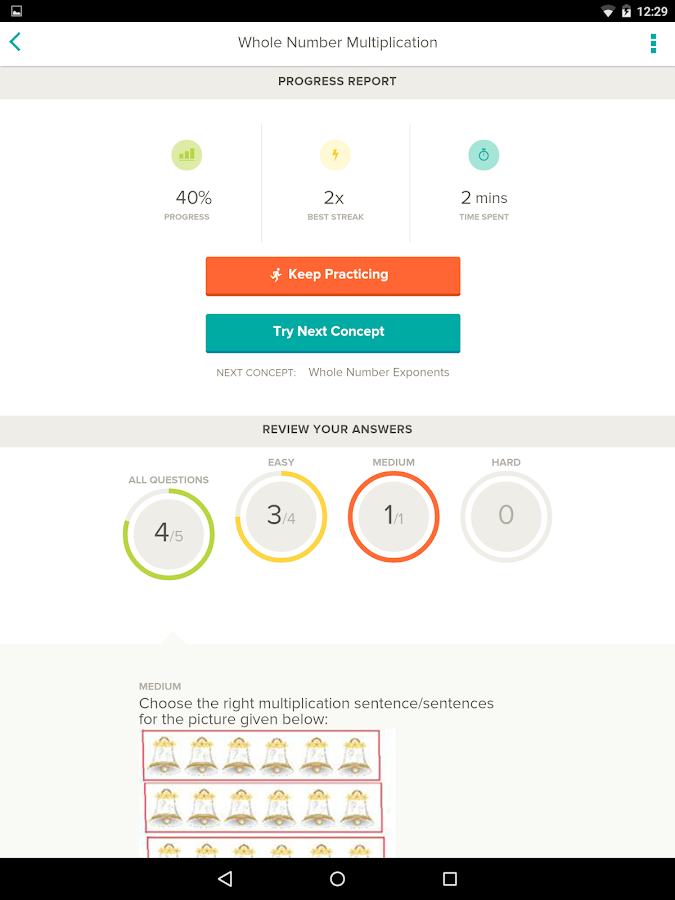
CK-12, a great resource for free e-textbook and curricular resources, has just announced new student mobile apps that provide you with the ability to learn math and science, anywhere, anytime. 

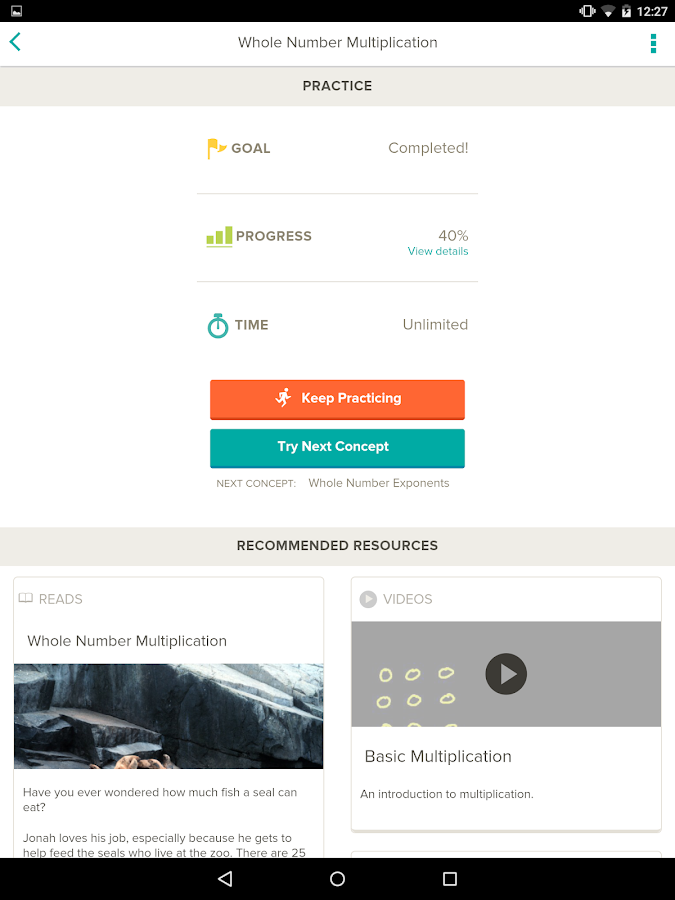
The apps, available for iOS and Android, are easy to use and contain over 100,000 adaptive practice questions that adjust in difficulty based on your results. In addition, if you struggle with a concept, it will recommend resources, like articles and videos, to help you. The resources are excellent. The dashboard shows you your progress.

This is a great way for students to study math and science concepts, whether for their own enrichment, extra help, or for studying. 

CK-12 - screenshot
CK-12 - screenshot thumbnail
CK-12 - screenshotCK-12 - screenshot


Related:

CK-12 has over 100,000 teacher created digital textbooks available for free


LinkWithin

Related Posts Plugin for WordPress, Blogger...