Showing posts with label iOS. Show all posts

Tuesday, April 21, 2015

Reflector2 - Wireless mirroring and streaming for iOS, Android and Chromebooks


Reflector2 is a wireless streaming product that works with iOS, Android and even Chromebooks that allows teachers and students to share their iPads, Android tablets and Chromebooks to the big screen wirelessly, from anywhere in the room. Recording with voice-over lets teachers record their lessons for future use, while multiple security features keep the classroom safe. With even more innovative features, Reflector 2 is an extremely cost-effective alternative to an Apple TV, utilizing the devices already found in most classrooms. It also works with Mac and PC. You can share your mobile device screens to a computer connected to a projector for a powerful presentation tool.


It's a great tool for teachers to use in their classroom. It's not free, but the pricing is very competitive. 

Wednesday, March 11, 2015

Easy Grade - scoring and grading app for teachers


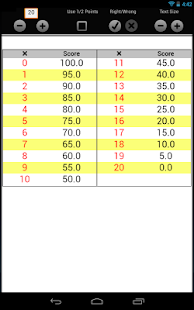
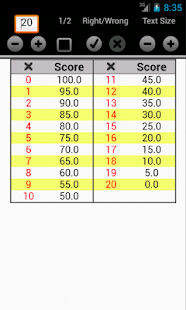
Easy Grade is a free app for teachers that makes it easy to grade student work (vs using the cardboard EZ Grader). It is easy to use and even lets you grade with 1/2 points. 

Here are some features:
  • you can adjust how many questions are on the test with a quick tap
  • you can choose whether you want to calculate grades on the number of questions/problems your student got incorrect or the number they got correct
  • you can increase or decrease the text size to fit more or less on the screen.
Easy Grade helps you calculate grades more easily and efficiently. Check it out in the App Store, Google Play or at http://easygradeapp.com./


Easy Grade: Half Pts EZ Grader - screenshot thumbnailEasy Grade: Half Pts EZ Grader - screenshot thumbnail


Disclaimer: Easy Grade is a paid advertiser 


-


Monday, March 2, 2015

Read & Write Text to Speech web app comes to iPad and Android


Cover art

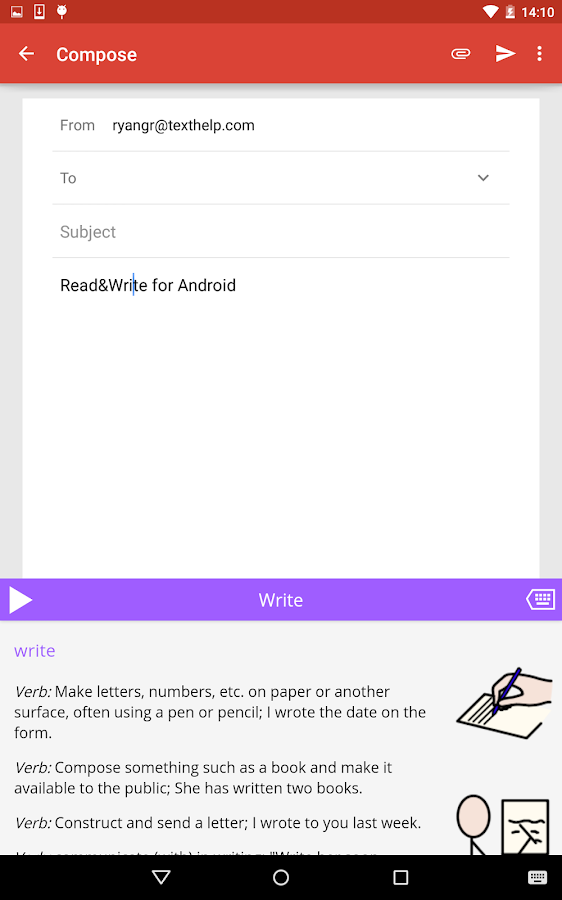
Read and Write for Google is an excellent Chrome app that provides text-to-speech functions from your browser. They have just released a free iPad and Android app.

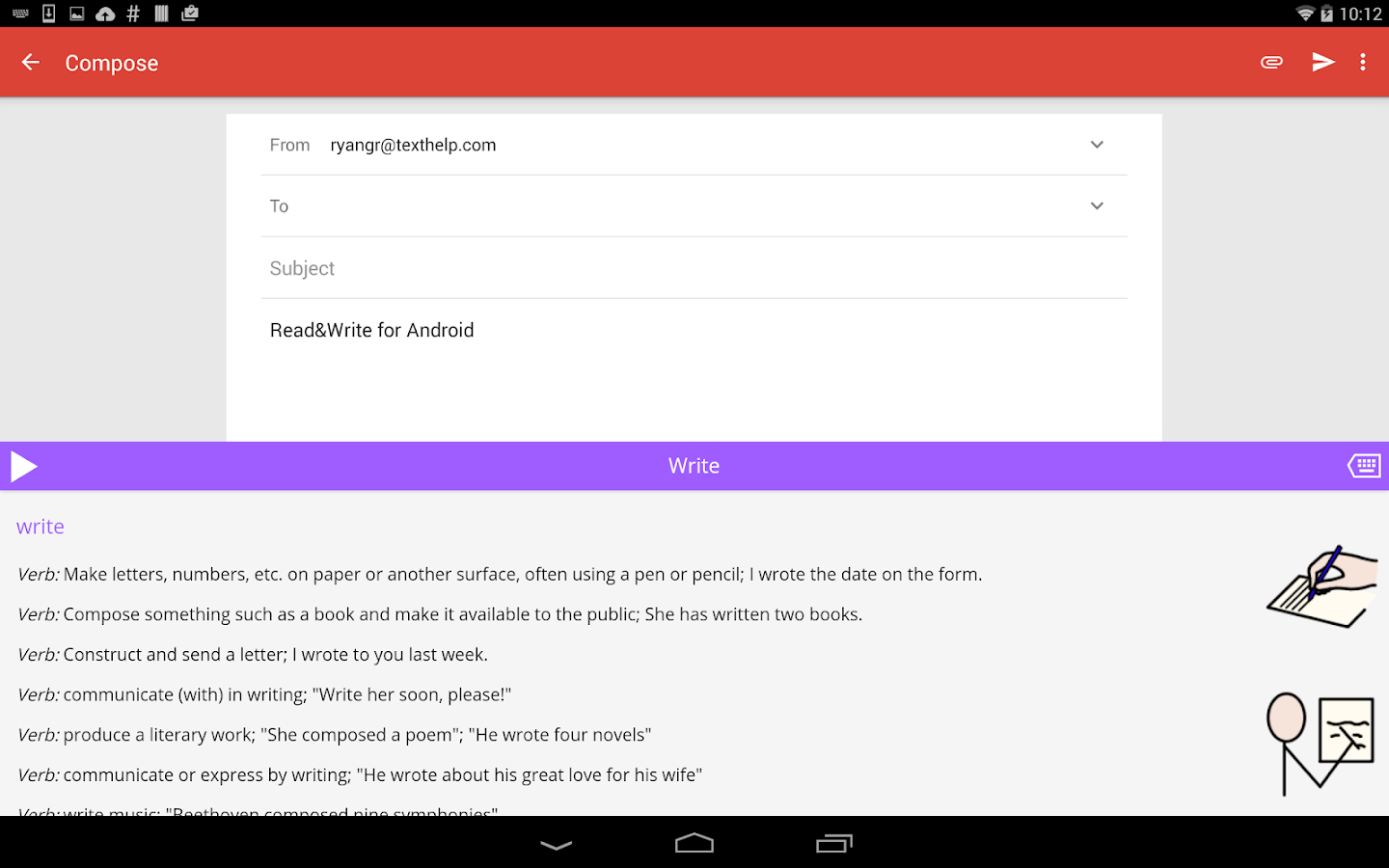
The apps provide text to speech functions, which are great for ESL, learning disabled, visually challenged and struggling readers, on your device, just like the web app does in the Chrome Browser and Chromebooks.

There are some other features that are available also, either with a fee or by using a Google Apps for Education account.

Read&Write for Android - screenshotRead&Write for Android - screenshot


Related:

Google for Education Resources

Google Accessibility Features in Chrome (OS and Browser)
Android for Education Resources

Evernote Clearly gets Text-to-Speech - premium only
--


Friday, December 5, 2014

Free PDF to PowerPoint converter


Cometdocs logo


Cometdocs has a great website that allows you to Convert your PDF files to Word, Excel, PowerPoint and more. You can convert various formats to PDF and store & share your documents for free. This is very useful for educators with PDF files that they need to edit and update.

They also have a new, free iOS app called PDF to PowerPoint. https://itunes.apple.com/us/app/pdf-to-powerpoint/id908959422.  It converts presentations trapped inside the PDF format for further reuse and editing. The converted document looks the same as the original, with all images, slides and text layout perfectly preserved.

Here are the features:

- It converts just about any PDF - big, scanned, complex, upside-down, non-English letters, etc.
- Images and slides are recognized accurately, and end up looking exactly like the original PDF.
- No limits on the number of conversions.
- It can be used for free
- The app is amazingly lightweight.
- The output format is pptx.

The app can be used for free, without limits on file size, number of requests or conversions. However, free user might be promted to wait for a bit, to ensure conversion completion. Premium lifetime users
don’t have to wait at all.

iPhone Screenshot 1
iPhone Screenshot 2


Monday, September 10, 2012

Google Drive gets updates for Android and iOS (including create and edit docs)


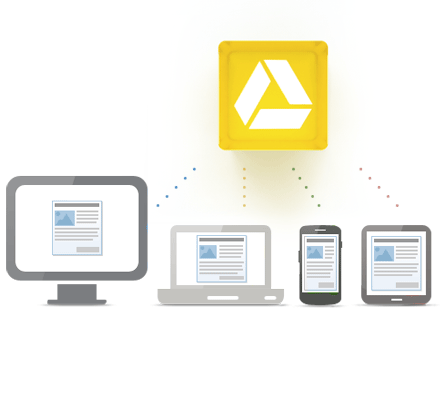
Google Drive is Google's free online file storage system and where Google Docs reside. It's web based, has Mac and Windows apps and mobile apps for iOS and Android. I love it. I have Google Docs on there, but also have other files uploaded there for easy access and use anywhere.
Access everywhere

Google Drive for Android has let you view, create and edit Google Docs for a while. iOS users now have reason to rejoice, as you can now edit and create new Google Documents on your iPhone or iPad. You can also view Google Presentations on your iOS device as well as create new folders and move files into folders and upload files right in the app. This is great news for iOS users.


The Android app also got an update. It has had edit, create and view for Docs for a while, but now lets you add comments, reply to comments and view tables in Docs, as well as view Presentations and organize folders and upload files.

Source: Official Google Blog
Android App: Google Drive in the Play Store
iOS App: Google Drive in the App Store

Here's a video from Google about Google Drive for Mobile.


Tuesday, May 1, 2012

Apps to Support Bloom's Taxonomy - Android, Google, iPad and Web 2.0


I had seen two great charts Kathy Schrock had made about Apps to Support Bloom's taxonomy. I have seen, and used, the ones for Android and Google. I just found two more on her site: iPad and Web 2.0 Apps.


The charts are interactive and include links to apps organized by the category from Bloom: Creating, Evaluating, Analyzing, Applying, Understanding, and Remembering. The apps I've checked out are all free. Some apps show up in more than one category too.

The iPad and Android charts also have an activity listed under the apps, such as commenting, video creation, etc.


These are great starting points to find apps to use with your students based on Bloom's Taxonomy. Check them out. http://www.schrockguide.net/bloomin-apps.html


Related:

Bloom's Taxonomy and Technology - great resources for teachers

Android Resources for Education - apps, how-to's, reviews, forums, and more.

Android Apps related to Bloom's Taxonomy

Google for Educators Resources


Thursday, April 26, 2012

TinkerBox - free physics puzzle educational game on iOS


TinkerBox is a free physics puzzle game for iOS. It has interesting science facts and teachers basic engineering concepts, in a fun game. You can create machines and share them with others as well as trying to solve the physics-based puzzles and mechanical concepts. It takes creativity and problem solving skills to be successful.

It is from Autodesk, creators of the CAD software AutoCad.

This is a great app for students in physics or engineering, or anyone who likes problem solving and puzzles.

Share it with your students and colleagues.

App Store: http://itunes.apple.com/WebObjects/MZStore.woa/wa/viewSoftware?id=415722219&mt=8


Related:


Wednesday, April 18, 2012

Mobile Nations - great resources for all mobile OS's and devices


If you own a smartphone or tablet, you should be using Mobile Nations. Mobile Nations is a group of web sites that each focus on a mobile operating systems. Each site has app reviews, hardware reviews, accessory reviews, tips, resources, forums, help topics, and much more.

These sites are great for anyone who uses a mobile system, including teachers, students, and others. Find out about new apps, resources, tips, problems, help and more. Share them with your friends, students, and colleagues. Education apps and uses for the systems are often featured on the sites. EdTech and IT personnel can find help information, reviews, and more to help them use these devices.

I use Android Central (and subscribe via RSS) for my Android Smartphone to find tips, app reviews, and more. I use webOS Nation for my HP TouchPad. I've learned about new apps, problems, help tips, and more from these sites and spent a lot of time on Android Central reading phone reviews before purchasing my Droid Incredible 2.

There are 5 sites/communities based on different mobile systems.

Android Central for all things Android.

Crackberry for Blackberry.

iMore for iOS (iPhone and iPad)

WP Central for Windows Phone/Mobile

webOS Nation for webOS (Palm/HP)


Android for Education Resources


LinkWithin

Related Posts Plugin for WordPress, Blogger...