Showing posts with label collaboration. Show all posts

Friday, March 15, 2019

Collaboration Tools in Education - new partnership Dropbox and Klaxoon


Just like businesses, educators and students use a lot of collaboration tools in their daily work. Google for Education and Microsoft for Education are two the most popular, with apps like Google Classroom and Microsoft Teams. There are others, like Schoology, Edmodo and more, that are also used.

Dropbox

Dropbox, originally a cloud file storage and sharing app, has added a number of collaboration features over the last couple of years.


Dropbox and Klaxoon recently announced a partnership which allows interoperability and sharing between the platforms.


Dropbox Education aims to bridge the gap between the classroom and workspace by developing student collaboration, a soft skill employers are in need of. The new app also sponsors instructor success by increasing the pulse of the classroom.


Dropbox Education has partnered with Klaxoon, an innovative suite of applications allows instructors to integrate polls, word clouds, and other interactive tools into their classroom to increase student participation.


These tools all help educators and students work more collaboratively, and prepare for higher education and the workplace.


.

Thursday, March 17, 2016

Explain Everything - Collaborative Whiteboard on any platform

Build a website with PageLines


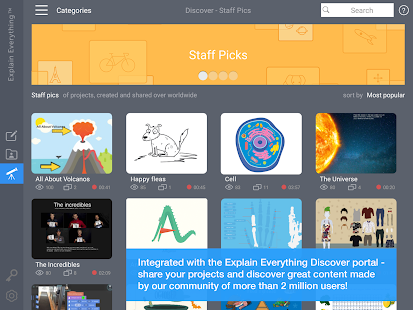
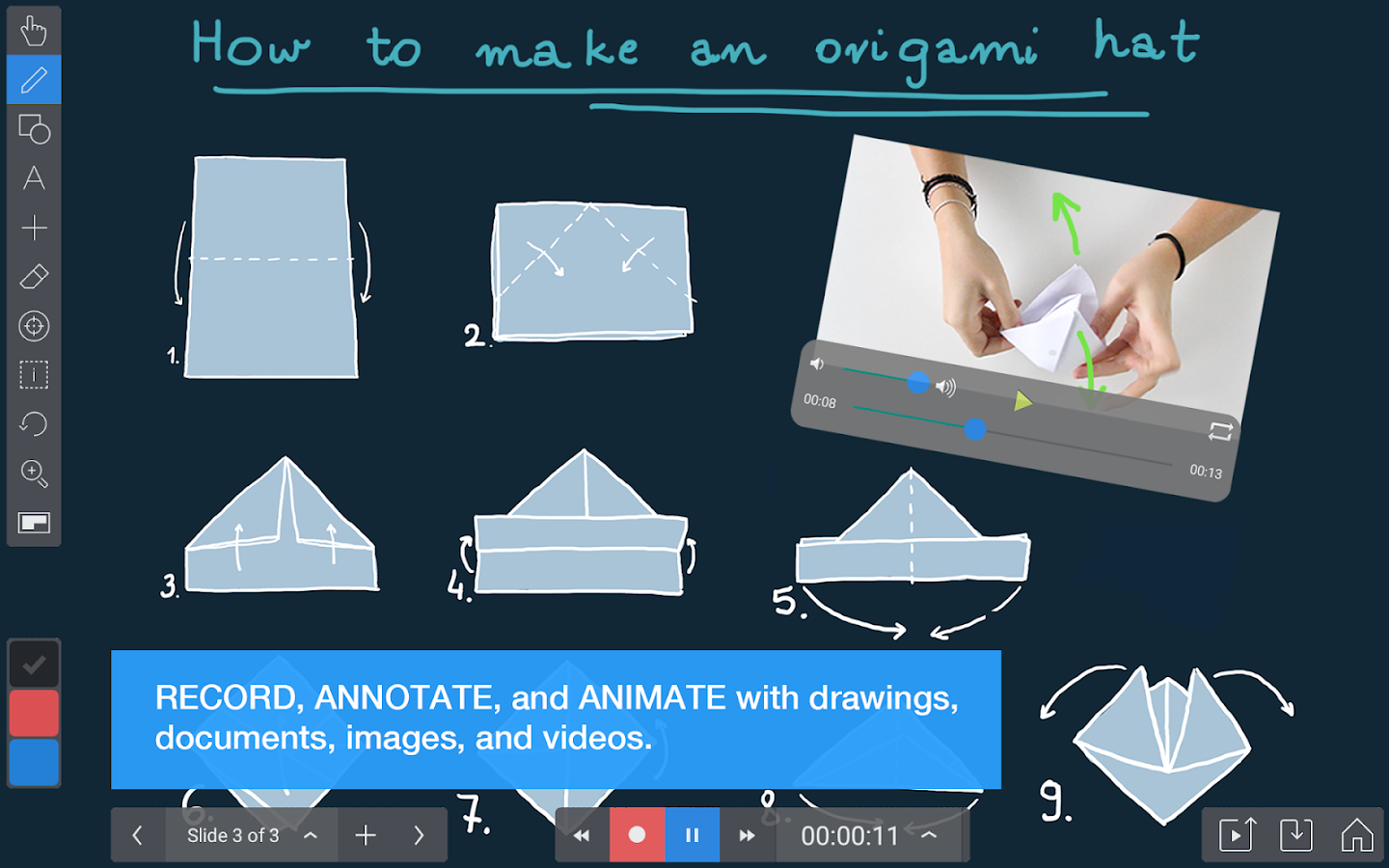
Explain Everything is a collaborative whiteboard app/site that is easy to use, has some great features, and works on all platforms, including Chromebooks (great for touchsreen ones). The free version includes access to viewer and collaboration features* of Explain Everything on iPad, Android, Chrome and Windows, and 100MB of storage on Explain Everything Discover. There are also premium versions with more features. 
Explain Everything allows you to create animations and presentations, with voice over, screencasts,  and collaborate on the projects. In addtion, there is a huge repository of projects people have created with Explain Everything that you can access and use. You can also import different files into Explain Everything to use in your project.

This is a great tool for teachers and students:
- lesson presentations
- student presentations and projects
- collaboration tool for remote projects
- remote study help


  Explain Everything™ Whiteboard- screenshot thumbnail

   Explain Everything™ Whiteboard- screenshot
   Explain Everything™ Whiteboard- screenshot


Available on the App Store, Google Play, Windows Store, and Chrome Web Store.
(Explain Everything™ Collaborative Whiteboard will be available in the US on March 16th)


--

Tuesday, May 12, 2015

Padlet - free online multimedia notes and collaboration - great for projects

padlet

Padlet is a free service that lets you create online "sticky notes" that you can share and collaborate on. The notes can include images, links and videos, can be moved and arranged and can be embedded into a website.

It's great for brainstorming, story boarding, organizing, projects and more. It is available online and even has a Chrome app and extension, a Kindle app, Safari and Firefox extensions, and a Wordpress plugin.

It's easy to use and fun and very useful.

If you are looking for more features and the ability to have school accounts, privacy, control and more, take a look at Backpack (not free).


Related:

More Collaboration Tools and Resources

More Writing Tools and Resources

Samepage - app to get more done with contextual collaboration

Slack - free, easy to use, communications/collaboration platform - great for teams and schools
Google for Education Resources


-

TitanPad - free, simple online document collaboration


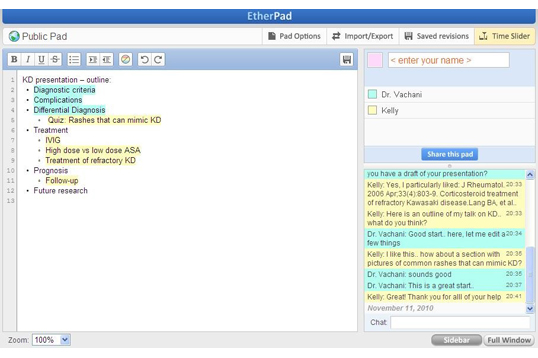
TitanPad is a free tool for collaborative writing on a single document. It is simple and easy to use and requires no sign in or login to create a public document., You can create a private document with a free account. 

It is similar to Google Docs, but much simpler. Up to 8 people can work on a single document at the same time, with their edits being color coded.

You can also import and export text to and from TitanPad.
'


This can be very useful in education for quick collaboration sessions in the classroom or meetings. 

Take a look. 


Related:


-

Filechat - collaborate on documents, pictures and videos in GDrive and Dropbox


Filechat is a new, free service that allows you to collaborate on documents, photos and videos in Dropbox or Google Drive. Instead of just commenting on a document or file, users can chat, like and vote on any of their files in Drive or Dropbox. You can even have multiple conversations with different teams or groups. It adds more "social" features to collaborate with others in a tailored caht room that is based in a file or folder.

Users can store their files in their preferred platform and use Filechat to collaborate with anyone. It also includes a search tool.


The "owner" of the Filechat discussion invites others to view and collaborate on the files and controls access. They can also give participants the ability to add files, vote and chat.

The mobile app allows you to get notifications, preview and edit files and participate in the conversations.


It is free, with premium levels coming shortly. It is available online and for Android and iOS. Support for OneDrive, Box and Amazon Cloud Drive are coming soon too.


Related:

Samepage - app to get more done with contextual collaboration

Thursday, March 19, 2015

Slack - free, easy to use, communications/collaboration platform - great for teams and schools

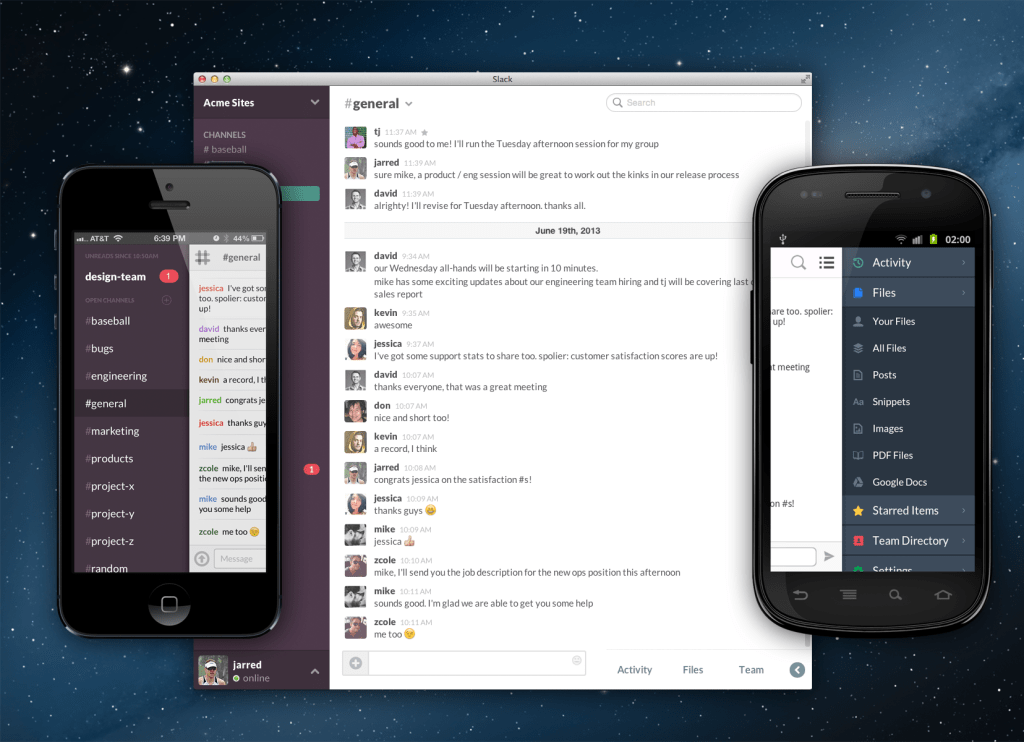
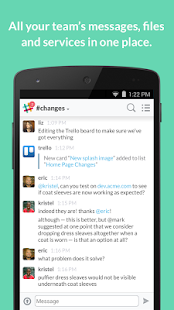
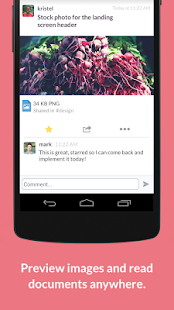
Slack is a free platform for instant team communication and collaboration. It allows you to create “channels” according to specific topics, issues, projects or teams, which gives everyone access to all the conversations and information circling around. You can include messages, files, images and videos in the channels. This can replace email, chat and video conferencing. 
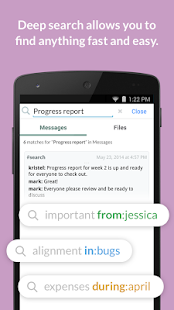
It also integrates with Dropbox, Google Drive and Hangouts, and Trello. It also has a very good search feature. It is web based, with iOS and Android apps. 


slack screen shots


Slack - screenshot thumbnailSlack - screenshot thumbnailSlack - screenshot thumbnailSlack - screenshot thumbnail


It is free to use and there is no limit to the number of users. 

This would be great for classrooms, teacher communication, workgroups, PD, and much more. 


Related:


DropTask - Visual Task Management app


-

Wednesday, March 11, 2015

Samepage - app to get more done with contextual collaboration


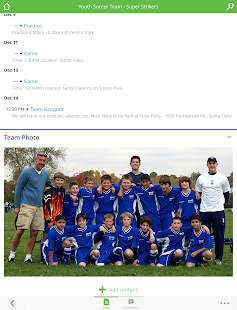
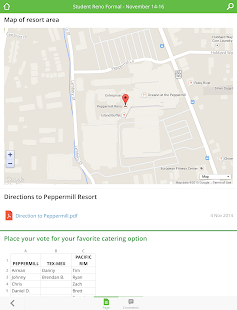
Samepage is a "contextual engagement platform" that just launched some new features (see press release below). It has a free version with some great features, including context and collaboration, organizational features, and communication. There are more advanced features available for a fee. It has an intuitive, well designed, user interface and it only takes minutes to get started.

Samepage allows users to create content, including text, multimedia, Office Files, PDFs, Dropbox files, attachments, Google Drive, Google Maps and more. Users collaborate in real time and can comment and work together on projects. It can be used by people for personal projects and planning as well as by companies and groups for major projects.


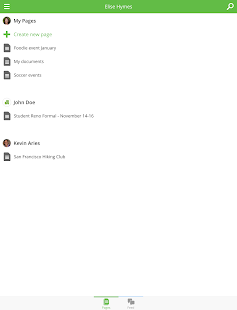
It's very easy to use and setup and can be very useful for managing events, trips, projects, and much more. It is web based and there are mobile apps available for iOS and Android. You can create "Pages" that are private, social on Facebook, Twitter and LinkedIn, Group pages, and Public Pages for anyone.


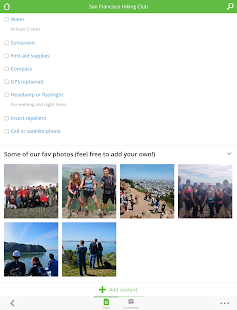
Samepage - screenshot thumbnailSamepage - screenshot thumbnailSamepage - screenshot thumbnailSamepage - screenshot thumbnailSamepage - screenshot thumbnail


Take a look!


Samepage Debuts Advanced Features, Modern Design and Two New Mobile Apps


Samepage Solidifies Its Position as the Leader in Contextual Engagement and Digital Collaboration


STARTUP GRIND 2015 GLOBAL CONFERENCE ­ REDWOOD CITY, CA ­ FEBRUARY 9, 2015 ­ Samepage, the free online place where people can communicate and share content with context, today announces significant platform upgrades including a fresh modern design, mobile apps for iOS and Android as well as a range of innovative features, further strengthening its consumer and business offerings. Samepage now enables easy inclusion of content from cloud based services such as Google Apps, Dropbox, Google Drive, Microsoft OneDrive and Box and includes social page sharing via Facebook, Twitter and LinkedIn.


"Our vision at Samepage is to create an online place where people can easily share ideas, content and context” says Scott Schreiman, chief executive officer of Samepage and Kerio Technologies, the parent company to Samepage. “ We've based the development of Samepage on three fundamental principles, first the need to bring together files with conversation to preserve context and help people get more done. Second, the need to support a 'post-file' world via integration with top cloud services and finally, ease of use to bring these benefits to consumers as well as businesses."


Samepage’s New Features, Benefits and Design
With fast-paced lives and an overwhelming number of ways to connect with one another, communication and collaboration have become increasingly challenging. Samepage’s new features enable people to easily organize ideas and communicate with each other to get more done. Samepage differentiates itself from other collaboration solutions by offering contextualization to all content featured on a page. People are empowered to define, share and preserve context related to specific pieces of content on a page streamlining the collaborative process. No more hunting for old emails or getting lost in a cloud file folder.

Get all your content on Samepage, including:
Any Mac or PC application file (e.g., Word, Excel, PDF, etc.)
Images and YouTube videos
Dropbox, Box, Google Drive or Microsoft OneDrive
Google Maps
Text and conversations

You choose how to share
Private pages
Social pages for Facebook, Twitter or LinkedIn
Group pages for select people (e.g., book club, finance team)
Public pages for anyone on the Internet
Modern design and user interface
Designed for consumers and businesses
New Samepage logo, branding
Customizable ³cover image² photo page headers
Improved navigation experience


Samepage¹s New iOS and Android Apps
Samepage just released its first Android application, available here: https://play.google.com/store/apps/details?id=com.kerio.samepage.


There is also an updated iOS app, available here: https://itunes.apple.com/us/app/samepage/id632534443?mt=8. Both mobile apps are now available globally.


People can now view pages on the go, create new pages, edit content and add images on their smartphones or tablets, making Samepage even more convenient.


Samepage Pricing and Availability
While there are many companies in the collaboration space, Samepage is unique in that it is designed from the ground up to be the easiest to use way to share information and ideas online with others, in both our personal and business lives.


Samepage is a free service that lets anyone create and share an online page in minutes. Sign up at www.samepage.io.


Samepage for Business is a paid service that businesses can rely on to improve productivity while reducing email volume. For more details, go towww.samepage.io/business.


About Samepage
Samepage is changing the way people share ideas and content. Anyone can create a free online page in minutes and collaborate with friends, family, co-workers or the world. We built Samepage so our company could work together more effectively. Then we discovered Samepage is also awesome for organizing social, group, and school activities. Now lots of people are using Samepage to plan epic vacations, organize school fundraisers, keep sports teams on track, run their businesses and get more done. How will you use Samepage? For more information and to create a personalized Samepage page, visit www.samepage.io.


--

Friday, March 6, 2015

Collaborize Classroom - collaborative education platform with lots of features for teachers and students


Collaborize Classroom is a "free collaborative education platform for students and teachers" that allows teachers to create an online community. Teachers can create study groups, collaborative work groups, online discussions and much more.


There is a great resource section and professional development page to help you get started and learn to use it. There is also a Collaborize Classroom Topic Library, where you'll find thousands of topics that have been created by other educators that you can use.

It is easy to use, secure and password protected, and allows for discussions, online quizzes/surveys, discussion forums, projects and more. You can attach files, link to other sites, create groups to organize students and their assignments, gather and analyze student data and much more. 

This is a great resource for teachers.


--

Wednesday, November 27, 2013

LiveMinutes - Edit your Evernote notes in real-time with others!


LiveMinutes is a very cool app that integrates with Evernote (my all time favorite and most used app) and allows you to work on the same Evernote note with others, similar to Google Docs.

Evernote is an excellent app, with the ability to share notes with others, but there is not a collaboration piece until this app came along.

You go to LiveMinutes and create a work space and select the notes from your Evernote account that you want to collaborate on, share them with others and off you go. You see multiple users editing the same note. Even if someone edits the note in Evernote, the changes are synced.


Here's a video that shows how this works: http://youtu.be/FOxYa8NqRmc

LiveMinutes is a full collaboration app that also lets you run conference calls, annotate documents and visuals and organize projects by workspaces.

If you use Evernote, this is something to look into. 


Related Articles:


LinkWithin

Related Posts Plugin for WordPress, Blogger...